MS - Office
9000+
Professionals Trained
300+
Trainers
8000+
Students Placed
100+
Courses Offered
Duration
6 Months
Certificate
Yes
Live Project
Yes
Mode
Classroom/Online
🎯 Book Your Free Demo
Course Overview
Course Overview
Welcome to our MS Office Course, designed to equip learners with essential computer and productivity skills required in today’s academic, professional, and corporate environments. This course provides hands-on training in Microsoft Office tools, enabling you to create documents, analyze data, design presentations, and manage information efficiently.
What You'll Acquire
Our MS Office program focuses on practical, real-world usage of office applications, helping learners build confidence and workplace readiness, including:
Computer & Office Fundamentals
Build a strong base by understanding:
Basics of computers and operating systems
File and folder management
Keyboard shortcuts and productivity tips
Office workflow and best practices
This foundation ensures smooth and efficient use of office tools.
MS Word – Document Creation & Formatting
Master professional document creation using MS Word:
Document formatting and styles
Tables, images, and page layout
Mail merge and templates
Headers, footers, and document security
Learn to create reports, letters, resumes, and official documents with accuracy.
MS Excel – Data Management & Analysis
Develop strong data-handling skills with Excel:
Spreadsheet basics and formatting
Formulas and functions
Charts and data visualization
Sorting, filtering, and basic data analysis
This module helps learners manage data and generate meaningful insights.
MS PowerPoint – Presentation Skills
Create impactful presentations by learning:
Slide design and layouts
Animations and transitions
Charts, images, and multimedia
Presentation delivery tips
Students learn to communicate ideas clearly and professionally.
MS Outlook & Office Productivity Tools
Understand essential communication and productivity tools:
Email management and scheduling
Calendar and task management
Professional email etiquette
Time-saving Office features
This section enhances workplace communication and organization skills.
Who Can Learn
This course is ideal for:
Students and freshers
Office executives and administrative staff
Working professionals from any field
Business owners and entrepreneurs
Beginners with no prior computer knowledge
The curriculum is suitable for all learners, from absolute beginners to professionals seeking skill enhancement.
Comprehensive Curriculum Featuring
MS Word
Professional document creation and formatting.
MS Excel
Data handling, formulas, and analysis.
MS PowerPoint
Presentation design and delivery skills.
MS Outlook
Email, scheduling, and communication management.
Office Productivity
Shortcuts, workflow efficiency, and best practices.
Exclusive Resources and Materials
Hands-on Practical Assignments
Industry-Oriented Practice Tasks
Online Live Classes + Doubt Support
Recorded Sessions for revision
Expert Trainers with corporate experience
Practice Files & Real Office Scenarios
Job Assistance through Navrojan.com
Your Gateway to Workplace Productivity
This course empowers you with essential office skills needed to perform efficiently in academic and professional settings. Gain confidence in handling documents, data, and presentations with ease.
Join Us in This MS Office Journey
Thank you for choosing our program as your pathway to mastering office productivity tools. We look forward to supporting your skill development journey.
Enroll today and become proficient in MS Office with confidence!
- Computer Fundamentals
- Internet Awareness
- MS-Word
- MS-Excel
- Powerpoint
Top Blog Posts




Benefits Of A Prayug Certificate
Build credibility, boost your profile, and unlock new opportunities.

Certify Your Skills
A CPD accredited Prayug Certificate certifies the skills you’ve learned.

Stand Out From The Crowd
Add your Prayug Certification to your resumé and stay ahead of the competition.

Advance in Your Career
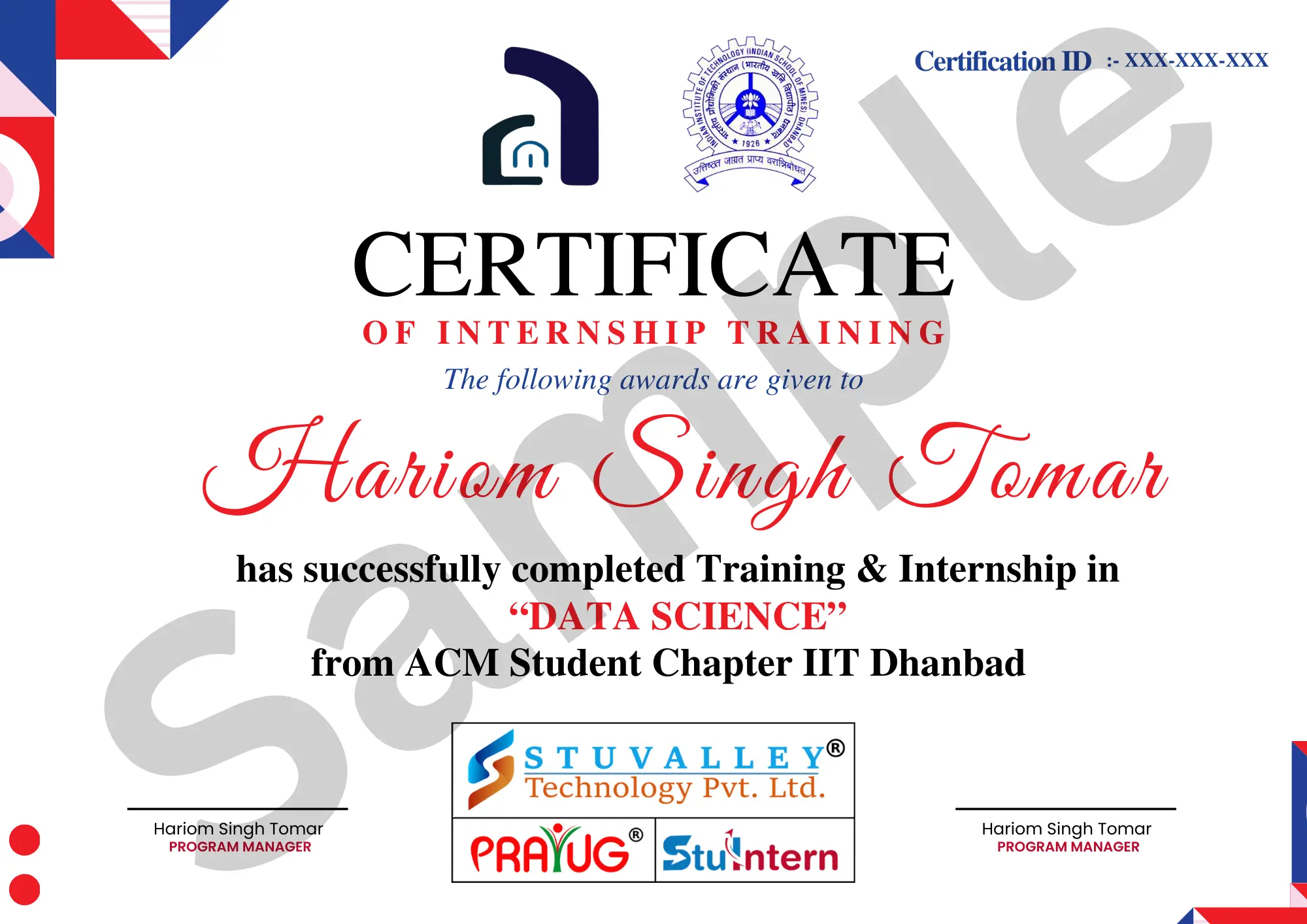
Share your Prayug Certification with employers to show your capabilities.