Practical Accounting with Excel – Learn Real-World Accounting Skills
 Learning Management System by Prayug Editor | Jan 29, 2026


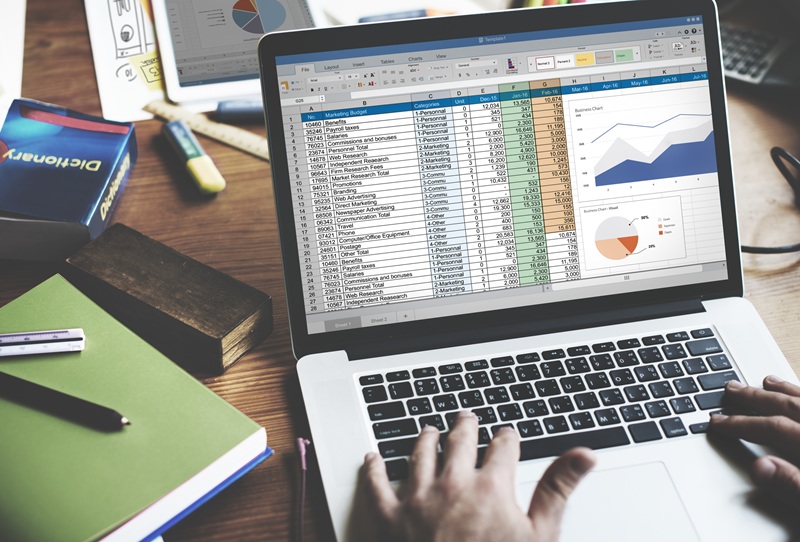
Excel is widely used across industries for accounting tasks because of its flexibility, accuracy, and ability to handle large volumes of data. Learning practical accounting with Excel helps students and professionals move beyond theory and gain the confidence to handle real-world accounting responsibilities.
Why Practical Accounting Skills Matter More Than Ever
Many students complete accounting degrees but struggle when they enter the workplace. The reason is simple—corporate accounting is practical, not theoretical. Employers look for professionals who can:
- Record and organize financial data
- Prepare accurate reports
- Analyze numbers for decision-making
- Work efficiently under deadlines
Practical accounting bridges the gap between classroom learning and real job requirements. When combined with Excel, it becomes a powerful skill set that improves both accuracy and productivity.
Why Excel Is the Backbone of Modern Accounting
Excel remains one of the most widely used tools in accounting and finance departments. Despite the availability of advanced accounting software, Excel continues to play a central role in daily accounting operations.
Excel is used for:
- Recording day-to-day transactions
- Creating accounting templates
- Preparing financial statements
- Budgeting and forecasting
- MIS and management reports
- Data analysis and reconciliation
Professionals who understand how to apply accounting concepts using Excel are highly valued because they can adapt quickly to different systems and workflows.
What Is Practical Accounting with Excel?
Practical Accounting with Excel focuses on applying accounting principles directly within Excel to solve real business problems. Instead of memorizing concepts, learners work with actual data, formats, and scenarios similar to those used in companies.
This approach helps learners understand:
- How accounting data flows in an organization
- How to structure financial information
- How to analyze and interpret numbers
- How to present reports in a professional format
It prepares learners to work confidently from the very first day of a job.
Core Topics Covered in Practical Accounting with Excel
1. Accounting Basics with Practical Application
Learners start by understanding core accounting concepts and applying them in Excel:
- Debit and credit rules
- Journal entries and ledgers
- Trial balance preparation
Instead of theory-based examples, real business scenarios are used to build understanding.
2. Transaction Recording in Excel
Excel is used to record daily transactions such as:
- Sales and purchase entries
- Expense tracking
- Bank and cash entries
Learners understand how to organize data properly to avoid errors and ensure clarity.
3. Financial Statement Preparation
One of the most important skills taught is creating financial statements in Excel:
- Profit & Loss Statement
- Balance Sheet
- Cash Flow Statement
Learners gain clarity on how raw data is converted into meaningful financial reports.
4. Excel Functions for Accounting
Practical accounting requires strong Excel skills. Learners are trained in:
- SUM, IF, VLOOKUP, HLOOKUP
- Conditional formatting
- Data validation
- Pivot tables
These tools help automate tasks and improve accuracy.
5. MIS and Reporting in Excel
Management Information System (MIS) reports are critical for business decisions. This course teaches:
- Monthly and quarterly MIS reports
- Budget vs actual analysis
- Expense and revenue tracking
- Variance analysis
Learners understand how management uses these reports to evaluate performance.
6. Reconciliation and Data Accuracy
Accuracy is crucial in accounting. Excel is used for:
- Bank reconciliation statements
- Ledger reconciliation
- Error identification and correction
This builds confidence in handling real accounting data responsibly.
Who Should Learn Practical Accounting with Excel?
This course is suitable for a wide range of learners, including:
- Commerce students (11th & 12th standard)
- B.Com, BBA, M.Com, and MBA students
- Fresh graduates looking for accounting jobs
- Working professionals in accounts roles
- Business owners and entrepreneurs
Anyone who wants to move from theoretical knowledge to real-world accounting practice will benefit from this skill.
How Practical Accounting with Excel Improves Job Readiness
Many accounting roles require immediate productivity. Companies often expect new hires to:
- Handle data independently
- Prepare reports without supervision
- Meet tight reporting deadlines
By learning practical accounting with Excel, candidates gain:
- Confidence in handling financial data
- Faster task execution
- Better understanding of corporate expectations
- Stronger problem-solving skills
This significantly improves employability and career growth.
Career Opportunities After Learning Practical Accounting with Excel
This skill opens doors to multiple accounting and finance roles such as:
- Accounts Executive
- Junior Accountant
- MIS Executive
- Finance Assistant
- Accounting Analyst
Excel-based accounting skills are useful across industries including IT, manufacturing, retail, logistics, healthcare, and finance.
Why Employers Prefer Excel-Skilled Accountants
Employers prefer professionals who can work efficiently with Excel because:
- Excel is flexible and customizable
- It integrates easily with accounting software
- It allows quick analysis and reporting
- It reduces dependency on complex tools
An accountant with strong Excel skills can adapt to different systems and processes with ease.
Learning Practical Accounting: A Long-Term Advantage
Practical accounting with Excel is not just an entry-level skill. As professionals grow, Excel continues to be used for:
- Advanced financial analysis
- Budget planning and forecasting
- Business performance evaluation
- Strategic decision support
Mastering these skills early provides a strong foundation for long-term career growth.
Why Practical Learning Makes the Difference
Traditional accounting education often focuses on exams rather than execution. Practical learning changes this by:
- Encouraging real problem-solving
- Building hands-on experience
- Increasing confidence and clarity
- Making learning relevant and engaging
This approach ensures learners are prepared for real corporate environments.
Final Thoughts
Practical Accounting with Excel – Learn Real-World Accounting Skills is an essential learning path for anyone serious about building a career in accounting or finance. By combining accounting knowledge with Excel-based application, learners gain skills that are immediately useful in the workplace.
Whether you are a student starting your journey, a graduate looking for a job, or a professional wanting to upgrade your skills, practical accounting with Excel equips you with the tools and confidence to succeed in real business environments.
In today’s competitive job market, practical skills matter more than certificates, and accounting with Excel is one of the most valuable skills you can invest in.
Top Blog Posts