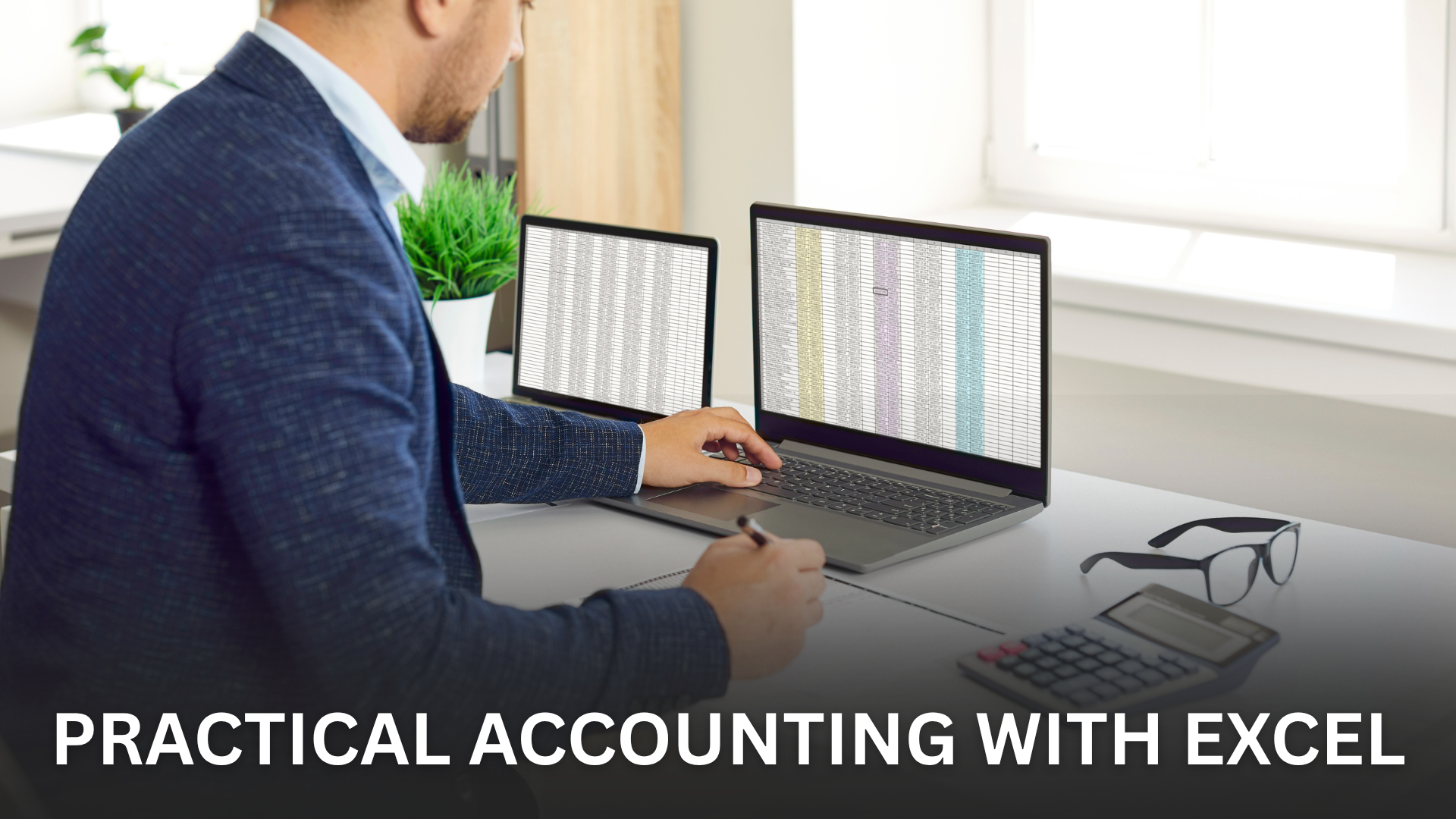
Practical Accounting with Excel
9000+
Professionals Trained
300+
Trainers
8000+
Students Placed
100+
Courses Offered
Duration
6 Months
Certificate
Yes
Live Project
Yes
Mode
Classroom/Online
🎯 Book Your Free Demo
Course Overview
Overview
Welcome to the Practical Accounting with Excel Program, a hands-on course designed to bridge the gap between accounting knowledge and real-world data handling using Microsoft Excel. This program equips learners with practical skills to record, manage, analyze, and present accounting data efficiently using Excel—a core requirement in accounting firms, corporate finance teams, and business environments.
What You'll Acquire:
- Excel-Based Accounting Proficiency:
Develop strong skills in using Excel for accounting tasks such as transaction recording, ledger maintenance, and financial reporting. - Real-World Accounting Workflow Understanding:
Learn how accounting data flows from day-to-day entries to final financial statements using Excel-based systems. - Data Accuracy & Control Skills:
Understand data validation, error checking, reconciliation techniques, and internal controls within Excel-based accounting. - Financial Analysis & Reporting Skills:
Gain the ability to prepare and analyze Profit & Loss statements, Balance Sheets, and cash flow reports using Excel. - Automation & Efficiency Techniques:
Learn to use Excel formulas and tools to automate repetitive accounting tasks and improve efficiency. - Job-Ready Practical Confidence:
Build the confidence required to handle accounting data independently in professional environments.
Curriculum Featuring:
- Accounting Fundamentals Refresher:
Review basic accounting concepts, transaction classification, and accounting rules relevant to practical work. - Excel Basics for Accountants:
Learn Excel interface, worksheets, formatting, formulas, and functions used in accounting applications. - Transaction Recording & Ledger Creation:
Practice recording accounting transactions, creating ledgers, and maintaining accounts in Excel. - Trial Balance & Final Accounts:
Learn to prepare Trial Balance, Profit & Loss Account, and Balance Sheet using Excel templates. - Bank Reconciliation & Adjustments:
Understand bank reconciliation statements, adjustments, and error rectification using Excel. - Costing & Budgeting in Excel:
Learn basic costing techniques, budgeting formats, and variance tracking using Excel. - Financial Analysis Tools:
Use Excel functions and basic charts for ratio analysis, trend analysis, and financial insights. - MIS & Reporting Formats:
Create MIS reports and management summaries using Excel-based accounting data.
Exclusive Resources and Materials:
- Hands-On Practical Sessions:
Live demonstrations and guided practice sessions focused on Excel-based accounting tasks. - Real-Case Accounting Assignments:
Assignments designed around practical accounting problems and Excel-based solutions. - Structured Study Material:
Access step-by-step guides, Excel templates, and accounting formats for practice and reference. - MCQs and Practice Exercises:
Regular assessments to reinforce accounting concepts and Excel application skills. - Doubt-Clearing & Expert Support:
Dedicated sessions to resolve queries related to accounting entries, Excel formulas, and reporting formats.
Your Gateway to a Career in Accounting & Data Handling
The Practical Accounting with Excel Program prepares learners for roles such as Accounts Executive, MIS Executive, Accounting Assistant, and Finance Support Executive. It provides essential skills required in accounting firms, corporate offices, and business operations.
Join Us in This Learning Journey
Enhance your accounting capabilities with powerful Excel skills. Whether you are a student, commerce graduate, or working professional, this program offers the practical expertise needed to manage accounting data accurately and efficiently in today’s digital workplaces.
See you in the program!
- Introduction to Accounting Standards (≈ 10–12 hours)
- Framework and Applicability (≈ 8–10 hours)
- Selected Accounting Standards – Items appearing in Financial Statements (≈ 15 hours)
- Selected Accounting Standards – Other Disclosures & Special Topics (≈ 10 hours)
- Transition, Consolidation & Practical Application (≈ 8–10 hours)
Top Blog Posts




Benefits Of A Prayug Certificate
Build credibility, boost your profile, and unlock new opportunities.

Certify Your Skills
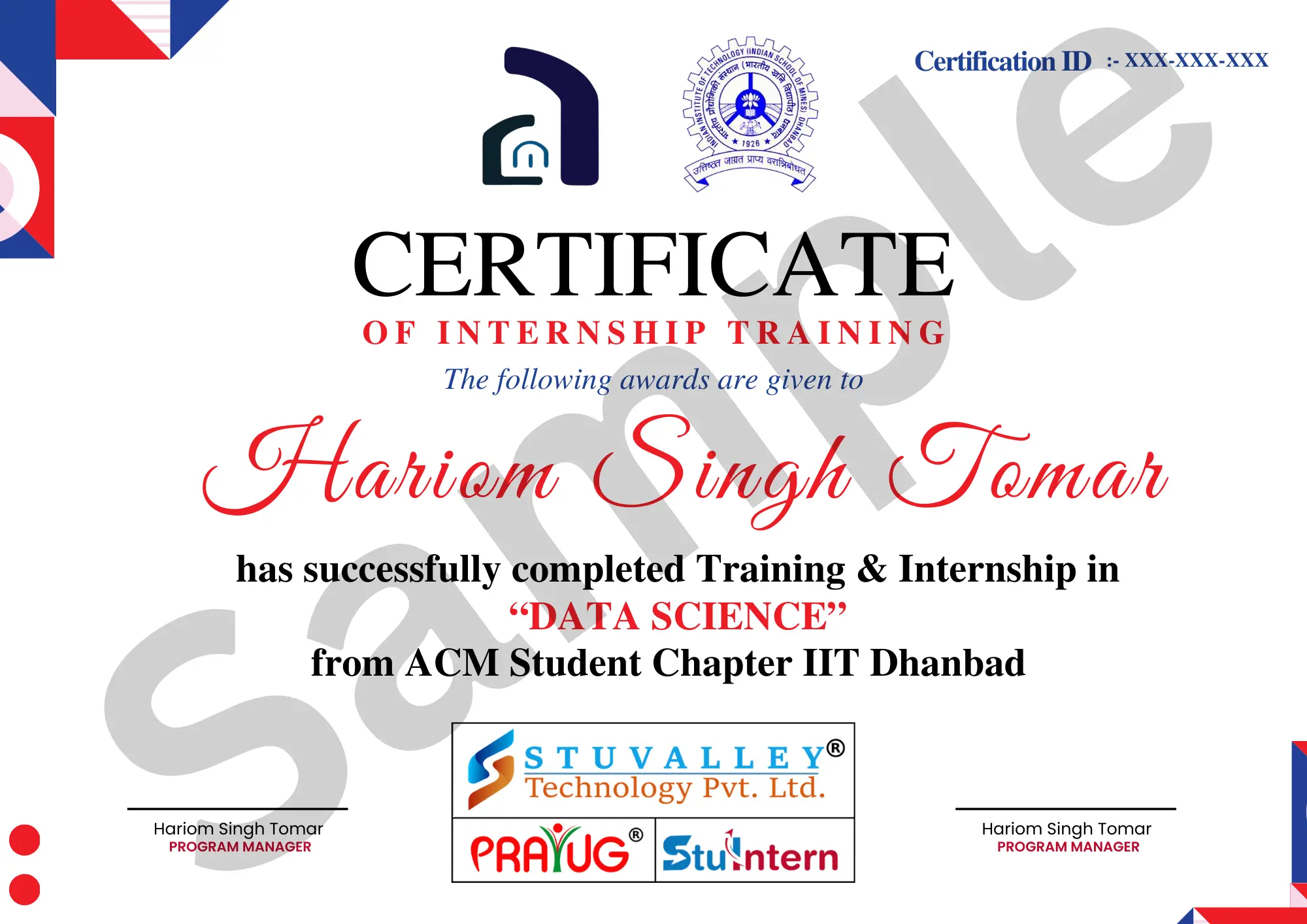
A CPD accredited Prayug Certificate certifies the skills you’ve learned.

Stand Out From The Crowd
Add your Prayug Certification to your resumé and stay ahead of the competition.

Advance in Your Career
Share your Prayug Certification with employers to show your capabilities.